
WinSpirit Account Verification and Mobile Access
 Available in AU
Contents
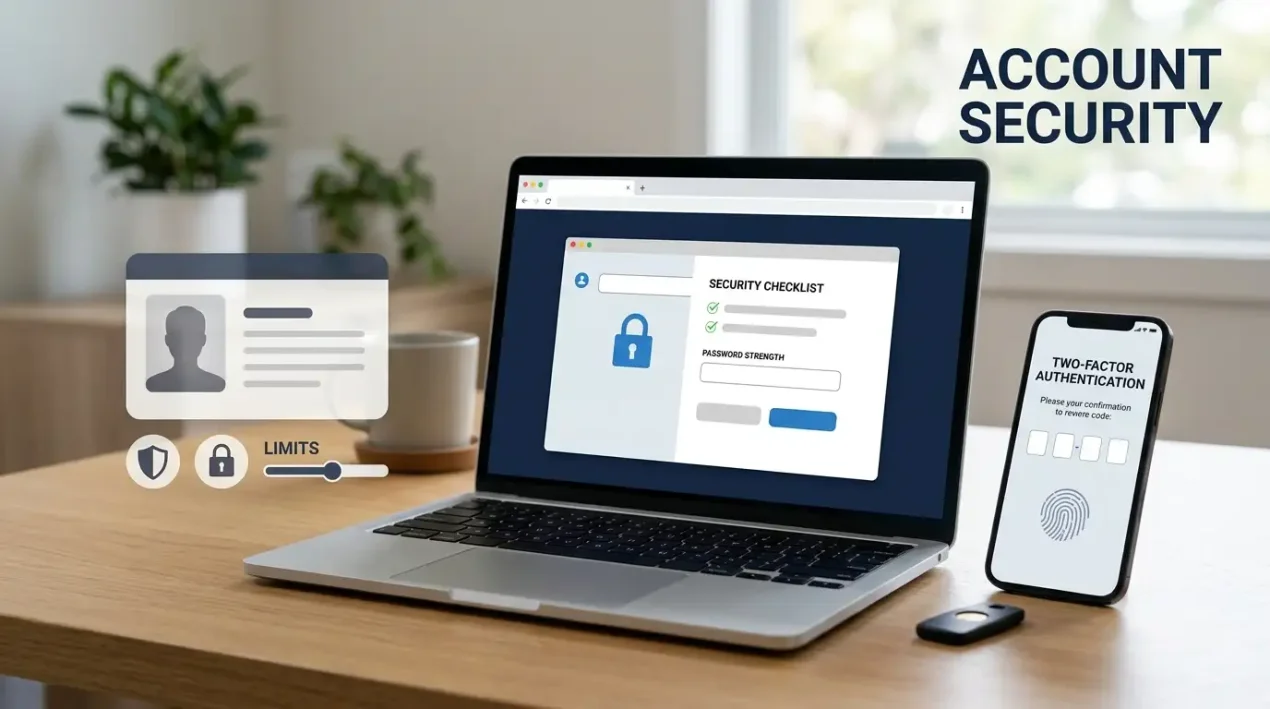
WinSpirit combines account registration, identity verification, browser-based mobile access and account-level gambling controls in one user flow. Identity checks matter most when money is being withdrawn, while the browser-installable PWA changes how the site can be accessed across phones and desktop devices. The practical point is to understand which account stage affects access, payments and personal limits before treating any one feature in isolation.
Account access and money movement are linked
Registration creates the account, but verification becomes the more important operational stage once withdrawals and full account access are involved. WinSpirit uses identity verification as part of its account structure, and the independent profile used for the account data states that KYC is required for withdrawals.
That link has a practical consequence: a withdrawal is not only a payment-rail event. The account may need to pass identity checks before the cashier stage can be completed. This is why the payment method alone does not explain the full cash-out experience. The withdrawal guide separates account review from method-specific processing estimates and weekly caps.
| Account stage | What it affects | Practical consequence |
|---|---|---|
| Registration | Creation of the user account | Starts the account relationship and precedes later verification steps. |
| Identity verification | Full account access and withdrawals | A cash-out can depend on account checks before the payment rail finishes its part. |
| Personal limits | Deposit or loss exposure | Limits can be used to define account-level boundaries before further play. |
| Cool-off or self-exclusion | Temporary or longer access restriction | These controls are designed to interrupt or stop gambling activity at account level. |
Support sits alongside those stages rather than replacing them. Live chat is listed as available 24/7, email support is available, and English support is listed. A support channel can help explain an account status or required step, but it does not change the underlying verification requirement or payment cap.
The mobile format is a browser-installable PWA
WinSpirit supports responsive mobile access and presents a browser-installable progressive web app for iOS, Android, Windows and macOS. The useful distinction is that a PWA behaves more like an installed shortcut or app-like browser experience while still being delivered through web technology.
For account use, that format keeps the same core functions close at hand across devices: account access, cashier navigation, settings and support can be reached through the browser-based product rather than requiring a separate account system for mobile. The exact appearance can vary by device and browser, but the account relationship remains tied to the same user credentials and verification state.
- iOS and Android: the current site presents installable PWA access for phones and tablets.
- Windows and macOS: the same PWA format is also presented for desktop systems.
- Responsive web access: the interface is designed to adapt to smaller screens without changing the underlying account.
- Account continuity: verification, limits and support belong to the user account, not to one specific device.
This matters when comparing mobile convenience with account security. Installing a PWA may make access faster, but it does not remove the need to protect login credentials or complete identity checks where required. On shared devices, browser sessions and saved credentials deserve the same caution as any other financial or gambling account.
Registration is only the first account stage
WinSpirit has a registration flow followed by verification. The important point is sequence: creating an account does not settle every later requirement. Withdrawals can introduce identity checks, while account tools such as limits or exclusion settings affect how the account can be used after registration.
- Account creation establishes the profile. Registration is the starting point for credentials and account settings.
- Verification links the account to an identity. This becomes relevant to full account access and cash-out processing.
- Cashier activity adds payment-specific conditions. Deposit minimums, withdrawal caps and processing estimates depend on the selected payment rail.
- Account controls remain separate from payment limits. Deposit limits, loss limits, cool-off periods and self-exclusion are tools for controlling gambling activity rather than payment-method features.
The separation between account checks and cashier rules is useful because it explains why a payment request can involve more than one clock. A rail may have a stated settlement estimate, yet the account can still be undergoing an internal review or identity check. The payment methods guide covers the cashier side, including AUD deposit minimums and method-specific withdrawal caps.
Registration also should not be treated as evidence that every feature will be available in the same way on every device or at every account stage. The stable facts here are the existence of registration, identity verification, browser/PWA access and the listed account controls. Each serves a different operational purpose.
Verification can affect withdrawal timing
AskGamblers lists a 0–24 hour verification window for WinSpirit. That figure is useful as timing context, but it is not a guarantee for a particular account. Identity checks depend on the documents and circumstances involved, and the listed window should be read as an independent profile figure rather than a promised completion time.
The difference between verification time and payment time is easy to miss. Verification answers an account question: has the user identity been accepted for the action being requested? Payment processing answers a transfer question: how long does the chosen rail take once the account side is ready? Combining the two into one “withdrawal speed” number would blur two different stages.
For example, the AU-facing cashier information lists method estimates ranging from under two hours for supported crypto to several working days for bank transfer, with up to 24 hours of internal review also reproduced in that material. Those figures belong to payment handling, while the 0–24 hour KYC figure belongs to verification. They can overlap in the overall experience, but they should not be treated as interchangeable clocks or as promises.
A practical way to read the account flow is therefore to separate three layers:
- Identity layer: whether the account has completed the checks required for full access or withdrawal.
- Internal processing layer: whether the withdrawal request is still being reviewed by the casino.
- Payment layer: how long the selected card, wallet, crypto or bank rail may take after release.
That separation prevents a fast payment method from being mistaken for a guaranteed fast end-to-end cash-out. It also explains why account preparation can matter before a withdrawal request is made, without turning the verification figure into a promise.
Limits and exclusion controls change how the account can be used
WinSpirit’s account-level responsible-gambling tools include deposit limits, loss limits, cool-off or time-out options and self-exclusion. Deposit and loss limits place boundaries around money exposure, while cool-off and self-exclusion controls are designed to interrupt access for a period or longer.
These controls solve different problems, so they should not be treated as interchangeable settings. A deposit limit restricts how much money can be added. A loss limit focuses on gambling losses. A cool-off period is about stepping away from access, and self-exclusion is the stronger account-level stop.
For someone setting boundaries, the useful sequence is to decide which behaviour needs a limit, then choose the control that addresses it most directly. A deposit limit is not a substitute for a break from gambling, and a time-out does not by itself define a monetary ceiling. Combining controls can create clearer boundaries than relying on one setting alone.
The 24/7 live chat and email support options provide account-contact routes when a setting, verification request or access issue needs clarification. English support is listed, and the site supports multiple interface languages. For game-related context rather than account administration, the games guide maps the provider mix and live-casino categories without turning catalogue size into a quality score.
Gambling can cause financial harm, and account tools are most useful when limits are set before losses escalate rather than after the fact. Australia-wide confidential support is also available through Gambling Help Online at gamblinghelponline.org.au and 1800 858 858.
Questions about WinSpirit accounts
Does WinSpirit require identity verification for withdrawals?
Yes. Identity verification is part of the account process, and KYC is required for withdrawals.
How long does WinSpirit verification take?
The verification window is 0–24 hours, but completion time can depend on the account and documents involved.
Can WinSpirit be used through a PWA?
Yes. The current site presents browser-installable PWA access for iOS, Android, Windows and macOS.
What responsible-gambling controls are available on a WinSpirit account?
Deposit limits, loss limits, cool-off or time-out options and self-exclusion are included in the listed account controls.
The account experience is shaped by verification and controls
WinSpirit’s account structure is more than a login and cashier. Registration creates the profile, verification can affect full access and withdrawals, the PWA extends browser-based access across mobile and desktop devices, and account limits provide ways to control exposure or step away. The most useful distinction is between account checks and payment processing: they can affect the same withdrawal, but they are separate stages with different purposes and timing.
WinSpirit Account Verification and Mobile Access — More on this topic at WinSpirit Casino Review Australia.
See also WinSpirit Games and Live Casino.
This material was created by the WinSpirit Player Notes team.
Related posts

VPN-Friendly Casinos in Australia: Rules and Risks

Uptown Pokies Australia: Legal and Player Guide